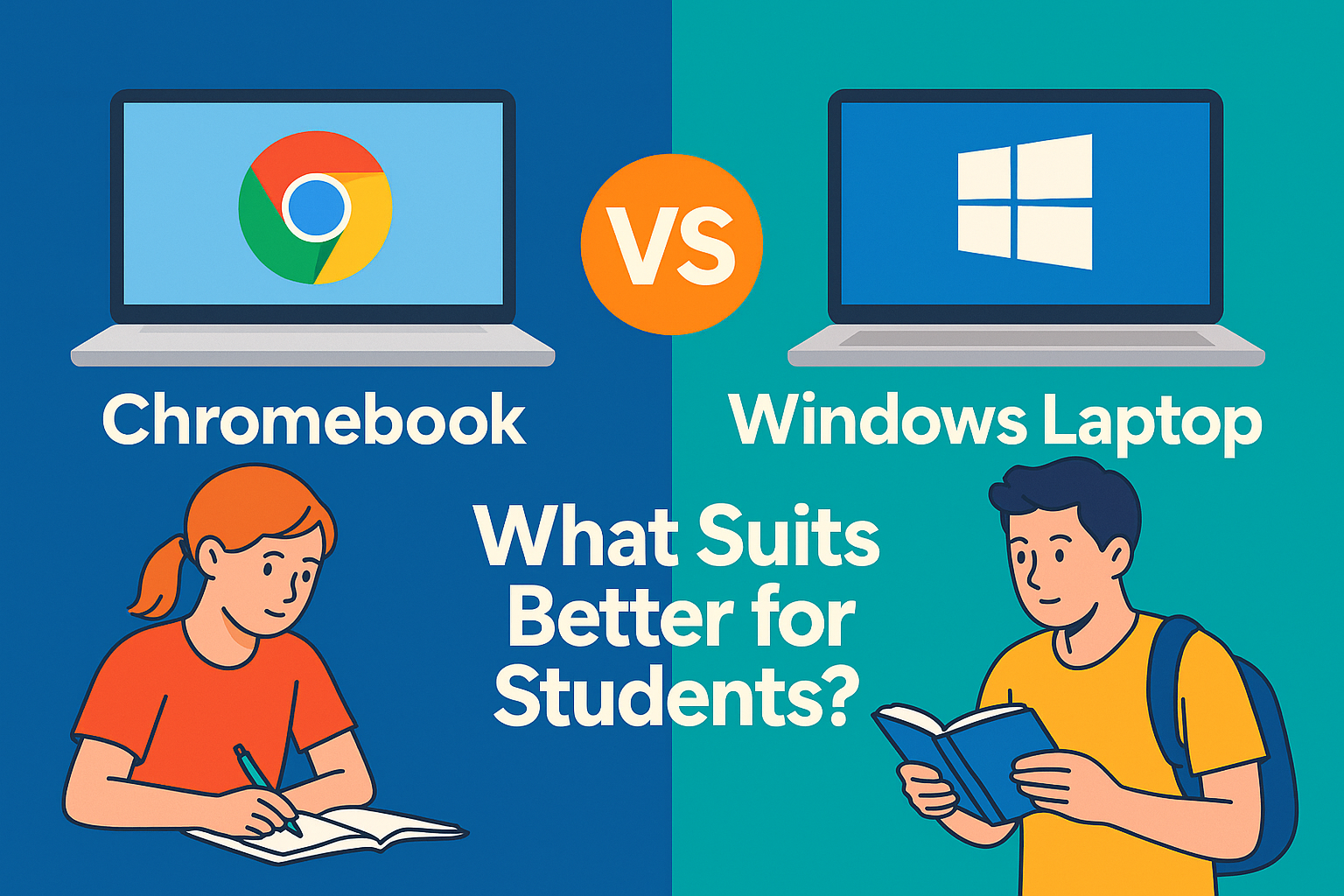

In the bustling classrooms, online tuition hubs, and self-study corners of Sri Lanka, one question echoes louder than ever:
“Should I buy a Chromebook or a Windows laptop for my child?”
With remote learning, digital textbooks, and exam platforms becoming the norm, the right device isn’t a luxury anymore — it’s a necessity. But the decision is tricky. Windows is a trusted name, while Chromebooks are lightweight and often cheaper.
Let’s unravel this tech dilemma for Sri Lankan students in 2025.
🎯 At a Glance: Key Comparison Table
| Feature/Criteria | Chromebook | Windows Laptop |
| 💸 Price | Starts LKR 75,000 – 130,000 | Starts LKR 95,000 – 180,000+ |
| 🏋️ Weight | Ultra-light, ~1.2kg | Usually heavier, ~1.5–2.2kg |
| 🔋 Battery Life | 10–12 hours (optimized for web) | 5–8 hours (varies widely) |
| 📚 Ideal For | Web-based learning, Google Classroom | Software-heavy study (coding, design) |
| 🧠 Learning Curve | Very easy (like using a browser) | Moderate (traditional PC experience) |
| 📶 Internet Dependency | High (needs Wi‑Fi for full function) | Low–Medium (offline software available) |
| 🎮 Gaming/Graphics | Minimal support | Wide support, from basics to gaming rigs |
| ⚙️ Software Availability | Limited to Android & Web Apps | Full access to Windows programs |
| 🔐 Security | Very high (cloud-based, auto-updated) | Good (with antivirus/firewall) |
🧑🎓 Real-Life Use Case: Meet Two Students
🟢 Kavindu (Age 13) – Gampaha
Kavindu attends online tuition via Google Meet, uses YouTube for science revision, and submits homework on Google Classroom.
➡ Chromebook is perfect: fast boot, lightweight, and synced to Google Workspace.
🔵 Dilini (Age 17) – Colombo
Dilini is studying ICT for A/Ls, uses MS Excel, runs Python code, and works on Adobe Photoshop for her school magazine.
➡ Windows laptop is essential: supports full software, offers flexibility for future university needs.
🧠 Understanding the Platforms
💻 What Is a Chromebook?
A Chromebook runs on ChromeOS, a Google-designed operating system that functions almost entirely through the internet. It relies on web apps and Google tools like:
- Google Docs, Sheets, Slides
- Gmail, YouTube, Meet
- Google Classroom
- Android apps via Google Play
🔒 Security Bonus: Automatic updates, sandboxing, and cloud backups make it virtually virus-proof.
🪟 What Is a Windows Laptop?
A Windows laptop runs Microsoft’s full operating system, which allows installation of powerful applications such as:
- MS Office (Word, Excel, PowerPoint)
- Adobe Suite (Photoshop, Illustrator)
- Coding platforms (Python, Java, C++)
- Statistical tools (SPSS, MATLAB)
🧰 Windows offers offline functionality and customizability, making it ideal for advanced users.
💰 Pricing & Value in Sri Lanka
Chromebooks:
- LKR 75,000 – 130,000
- Brands: Lenovo, HP, ASUS
- Available through special education-focused vendors
Windows Laptops:
- LKR 95,000 – 180,000+
- Brands: Dell, HP, ASUS, Acer, MSI
- Wide variety available through LankaFix marketplace
Tip: Avoid fake imports. Look for models with a 1-year warranty, local support, and genuine Windows license.
🌐 Internet Connectivity Consideration
In areas with:
- Strong and stable internet → Chromebook is a smart, low-maintenance choice.
- Limited or irregular internet → Windows laptop allows learning even when offline.
📶 With Wi‑Fi availability increasing (SLT Fiber, Dialog, and Airtel 4G), Chromebooks are becoming more practical in metro regions.
👨🏫 School Compatibility
| Platform/Tool | Chromebook | Windows |
| Google Classroom | ✅ | ✅ |
| Zoom/Google Meet | ✅ | ✅ |
| Microsoft Teams | ✅ (Web) | ✅ (App) |
| Sri Lanka E-learning Portals (e-thaksalawa, Guru.lk) | ✅ via browser | ✅ via browser/app |
| Edexcel/Cambridge Online Exams | ❌ (Some platforms block ChromeOS) | ✅ |
⚠ Important: For students in British curriculum or Edexcel exams—check with your school if ChromeOS is allowed for online assessments.
🧩 Which Student Should Choose What?
| Student Type | Best Option | Why |
| Grade 6–10 (Web learners) | Chromebook | Light, secure, Google-based learning tools |
| A/L ICT, Graphics, Coding students | Windows | Supports heavy software & offline access |
| University Students | Windows | Professional compatibility, project tools |
| Budget-Conscious Parents | Chromebook | Affordable and easy to use |
| Students in Rural Areas | Windows | Less reliant on constant internet |
🔐 Security & Parental Controls
Chromebook:
✅ Built-in Google Family Link
✅ Parental control on apps/sites
✅ Auto virus protection
✅ No need for antivirus software
Windows:
✅ Can add third-party antivirus (e.g., Kaspersky, Bitdefender)
✅ Requires more user vigilance
✅ Full control with Microsoft Family Safety (extra setup)
🚀 Final Verdict: LankaFix Recommendation
| If You Are Looking For… | Go With… |
| Lightweight device for basic learning (Gr.6–10) | Chromebook |
| Full-fledged computer for school + university | Windows Laptop |
| Low-maintenance and virus-proof system | Chromebook |
| Flexibility, offline access, and long-term use | Windows Laptop |
🎯 Editor’s Pick: LankaFix Best Buys (2025)
- Best Chromebook for Students:
Lenovo IdeaPad Flex 3 Chromebook – LKR 98,500- 4GB RAM, 64GB eMMC, 10hr battery, 11.6” touchscreen
- Best Entry-Level Windows Laptop:
ASUS Vivobook 15 – LKR 125,000- Intel i3 12th Gen, 8GB RAM, 256GB SSD, Windows 11 Home
- Best for ICT & Coding Students:
HP Pavilion x360 – LKR 175,000- Intel i5, 8GB RAM, 512GB SSD, Touchscreen, MS Office included
📦 All available with warranty & service through www.lankafix.com
📝 Final Thought
Education is going digital — but not all devices are created equal.
Whether it’s a Chromebook or a Windows laptop, the best computer is the one that matches your learning goals, your budget, and your lifestyle.
🎓 Equip your child to thrive — not just survive — in the digital classroom.
📚 References & Resources
- Google for Education
- Microsoft Learn for Students
- Edexcel IT Compatibility Requirements
- Dialog & SLT Broadband Maps